YEAR 10 DIGITAL MEDIA
  • Animation
    • What is a pixel?
    • Drawing with Pixels
    • Learning to animate
    • Animation Assessment
  • Image editing
    • GIMP tutorial
    • Gimp Activities 2
  • Video
    • Adobe After Effects Basics
    • Exporting to Youtube
    • Light Saber Tutorial
    • Disappear + Production Crate
  • Design
    • Planning and Brainstorming
    • Social-Ethical Issues
    • End-User Requirements
    • Iterative Development
  • 3D Modelling
  • Assessments
    • 1.) Media Portfolio
    • 2.) Media Outcome
  • Measurement
    • Measurement in Minecraft
  • Other Lessons
    • File Types & Exporting
    • Media Terms
  • Freyberg Digital

Digital Media Terms

This page has activities related to different concepts around digital media


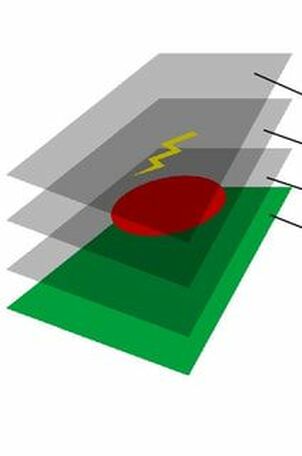
Layers

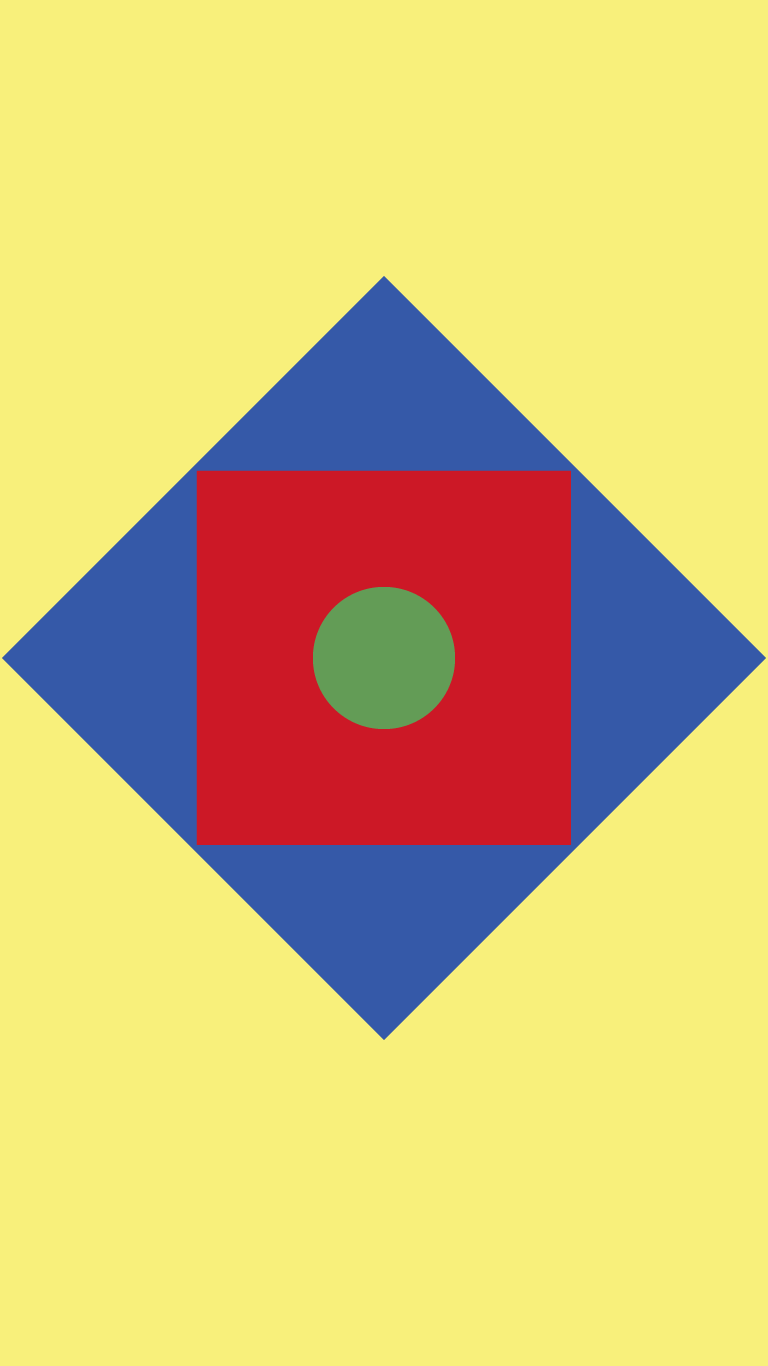
Task: Create the pictures
1.) Find a partner
2.) Get resources from your teacher
3.) Using only the resources create the following 3 pictures

Picture
Picture
Picture
Reflection: In order to create the images you need to use layers.

Every media editing program uses layers and it a concept 

Picture
Picture
Picture

Frames

When animating or use videos we use Frames

A frame is a still image in a sequence of animations

When we put these frames together we get an animation

​

Powered by Create your own unique website with customizable templates.
  • Animation
    • What is a pixel?
    • Drawing with Pixels
    • Learning to animate
    • Animation Assessment
  • Image editing
    • GIMP tutorial
    • Gimp Activities 2
  • Video
    • Adobe After Effects Basics
    • Exporting to Youtube
    • Light Saber Tutorial
    • Disappear + Production Crate
  • Design
    • Planning and Brainstorming
    • Social-Ethical Issues
    • End-User Requirements
    • Iterative Development
  • 3D Modelling
  • Assessments
    • 1.) Media Portfolio
    • 2.) Media Outcome
  • Measurement
    • Measurement in Minecraft
  • Other Lessons
    • File Types & Exporting
    • Media Terms
  • Freyberg Digital