YEAR 10 DIGITAL MEDIA
  • Animation
    • What is a pixel?
    • Drawing with Pixels
    • Learning to animate
    • Animation Assessment
  • Image editing
    • GIMP tutorial
    • Gimp Activities 2
  • Video
    • Adobe After Effects Basics
    • Exporting to Youtube
    • Light Saber Tutorial
    • Disappear + Production Crate
  • Design
    • Planning and Brainstorming
    • Social-Ethical Issues
    • End-User Requirements
    • Iterative Development
  • 3D Modelling
  • Assessments
    • 1.) Media Portfolio
    • 2.) Media Outcome
  • Measurement
    • Measurement in Minecraft
  • Other Lessons
    • File Types & Exporting
    • Media Terms
  • Freyberg Digital

10DM - Implement procedures to create an 8 bit animation
DUE DATE: Thursday P2 Week 5 (7 classes)

​Keep in mind that this assessment is open book. However, too much time spent looking at online resources may affect your grade
On completion, export as a GIF, save into your documents, and email a copy to [email protected]
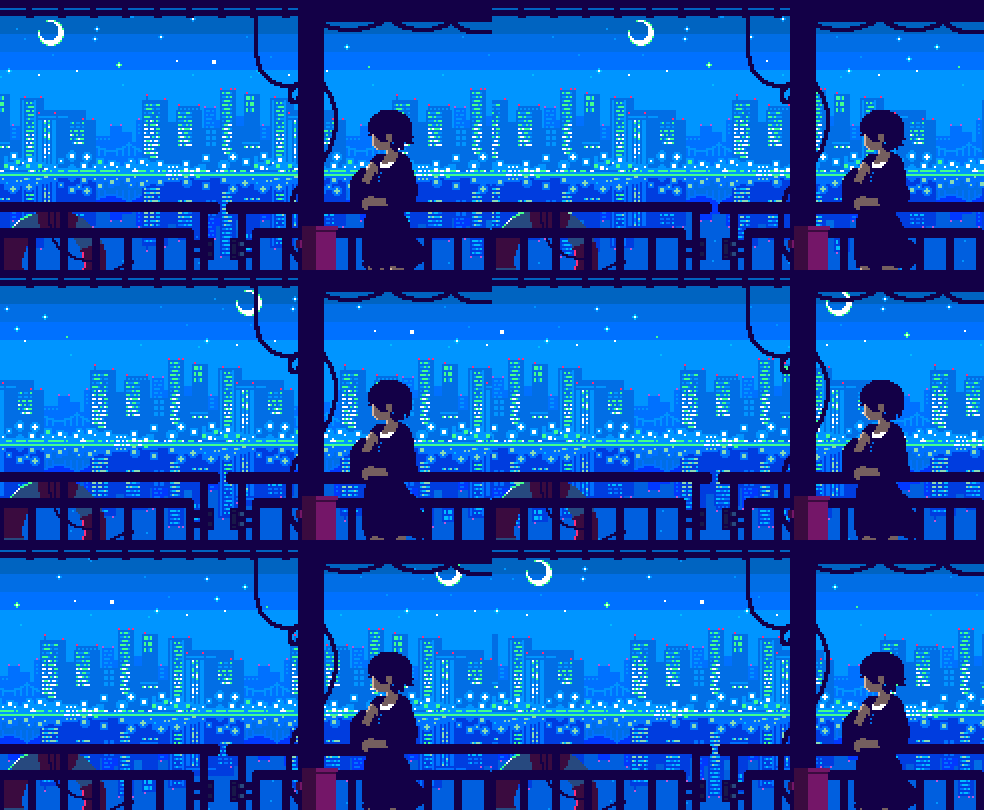
Picture


Brief
Freyberg High School wants a series of 8 bit animated gifs for their school website. The 8 bit animations should show a slice of life from the school, although it can be humorous.

Here are some suggestions:
  • Student Studying
  • Athletics Day (e.g. Funny long jump animation) or Cross Country​
  • Putting litter in the bin
  • School Cafe
  • Parent conferencing
  • Something representing your house (house event or colour)

The only rules are that it:
  1. needs to be appropriate for the school website. (no swearing, smoking etc) 
  2. the characters have to be in school uniform.
Specifications:
Achieved:
  • Animation is at least 12 frames long
  • Character cannot be exactly copied from another modifications to colour or clothing must occur.
  • Animation, must have animated background (At least 2 layers)
  • Animation has to represent some part of school life
  • Animation needs to be portrayed in wide screen mode  40px x 60px (It can be larger but please maintain the proportions).
  • Animation needs to be in GIF format, with about 3fps
  • Animation must be able to be put on the school website ethically.
Merit:
  • Same as Achieved
  • Animation is at least 20 frames long
  • Character not only has modification of clothing or colour,
    ​but entirely new actions.
  • Animation is appealing to look at (funny or graphically great)
  • Animation has at least 2 different characters (could be simple guy in background
Excellence:
  • Same as Merit/Achieved
  • Animation has quality built into it, such as reflections in water or lighting taken into effect

To submit this assessment, add a .gif file and your .pixil file to the Teams Assignment

  1. In Pixil Art - File - Export/Download animation as a .gif file
  2. Open Teams Assignment
  3. Insert - Upload from this device (paperclip icon) - Find and click on .gif file
  4. In Pixil Art - File - Save as .pixil file
  5. Insert - Upload from this device (paperclip icon) - Find and click on your .pixil file

2026 Examples:

Picture
Picture
Picture
Picture
Picture
Picture

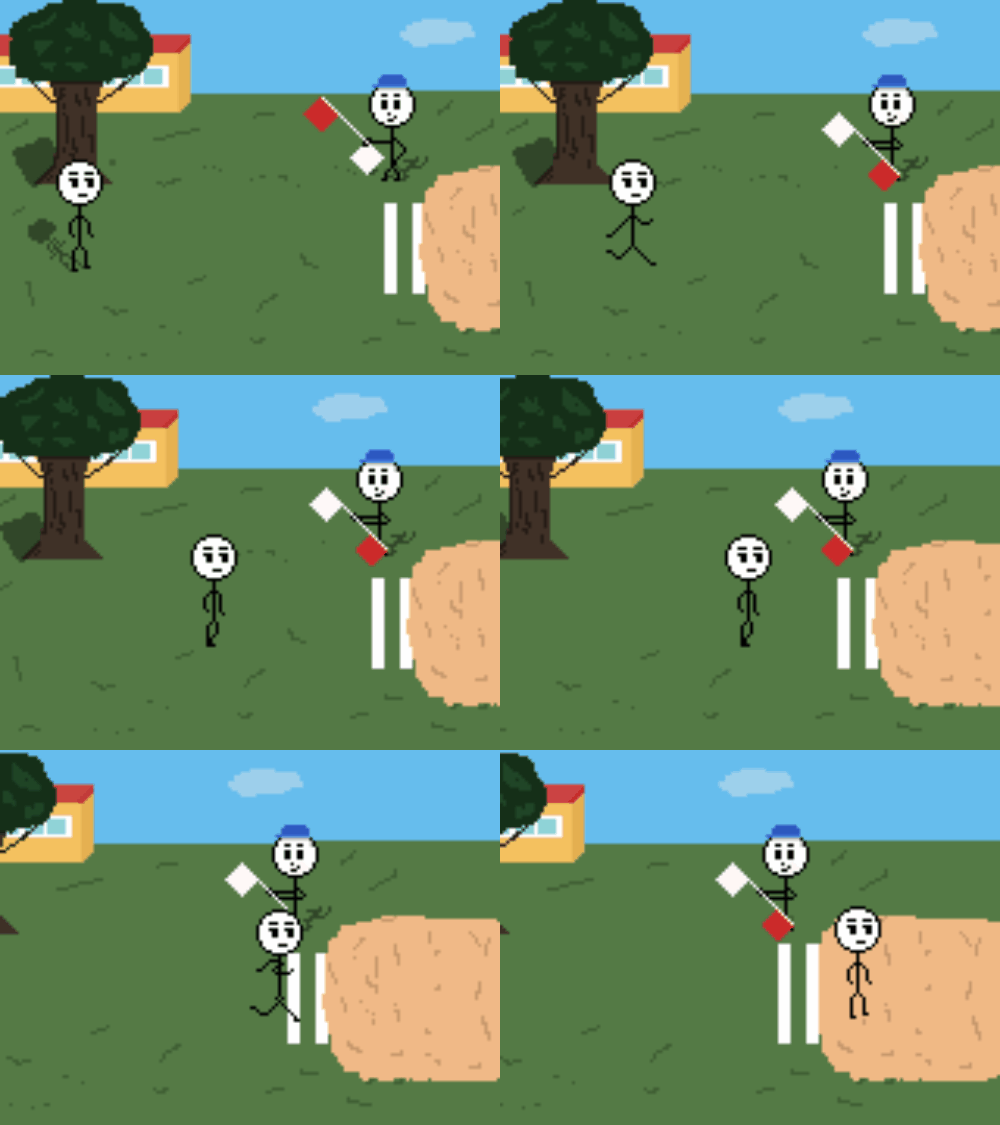
Examples from previous year Groups: Achieved

Merit
Picture
Picture

Excellence

Picture
Picture
Powered by Create your own unique website with customizable templates.
  • Animation
    • What is a pixel?
    • Drawing with Pixels
    • Learning to animate
    • Animation Assessment
  • Image editing
    • GIMP tutorial
    • Gimp Activities 2
  • Video
    • Adobe After Effects Basics
    • Exporting to Youtube
    • Light Saber Tutorial
    • Disappear + Production Crate
  • Design
    • Planning and Brainstorming
    • Social-Ethical Issues
    • End-User Requirements
    • Iterative Development
  • 3D Modelling
  • Assessments
    • 1.) Media Portfolio
    • 2.) Media Outcome
  • Measurement
    • Measurement in Minecraft
  • Other Lessons
    • File Types & Exporting
    • Media Terms
  • Freyberg Digital